

Members and invitations
Anthara is invitation only. A person can sign in only after an admin has invited their email address. This page shows how to invite people and manage pending invitations.
Only admins can open the Members page.
Open the Members page
Section titled “Open the Members page”- Select your organization at the bottom of the sidebar.
- Select Members.
The page has two tabs.
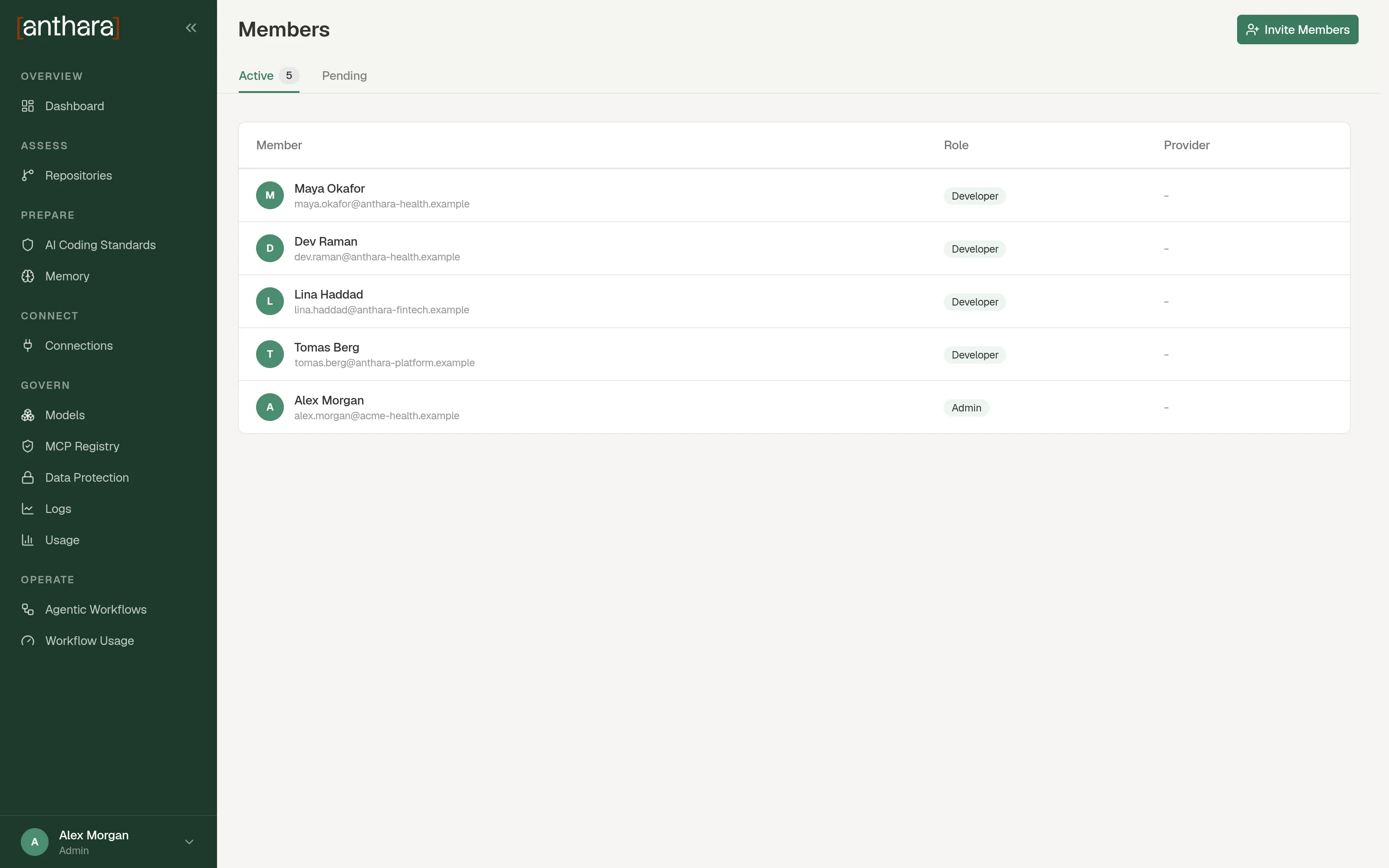
| Tab | Columns | Who is listed |
|---|---|---|
| Active | Member, Role, Provider | People who have signed in at least once. Provider is the sign-in provider they used. |
| Pending | Email, Invited, Invited By | People who were invited and have not signed in yet. |
Invite members
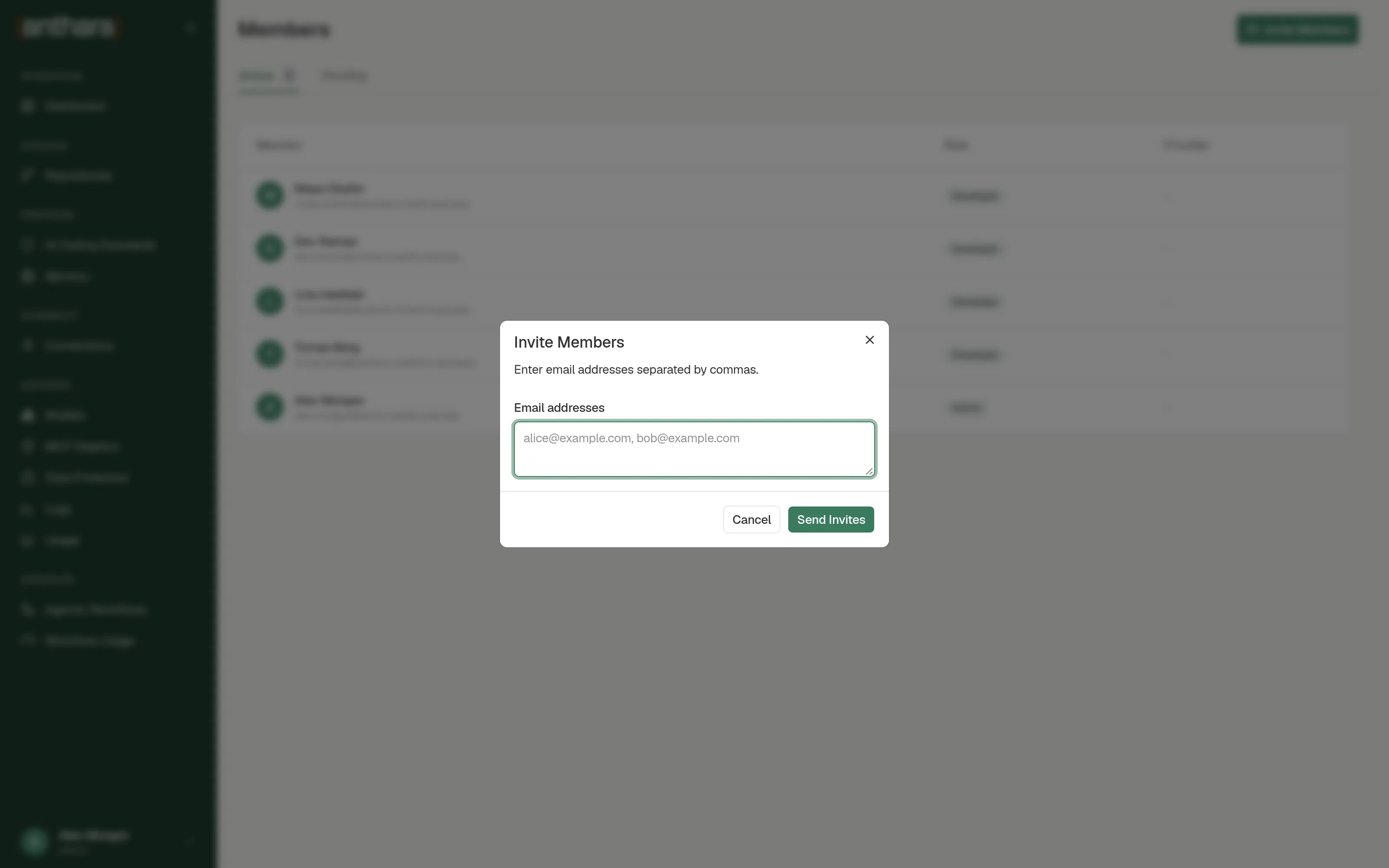
Section titled “Invite members”- Select Invite Members.
- In Email addresses, enter one or more addresses, separated by commas.
- Select Send Invites.
Each address appears on the Pending tab. Every invited person joins with the developer role.
The invited person must sign in with a provider that reports the same email address. See Sign-in providers.
Revoke an invitation
Section titled “Revoke an invitation”- Open the Pending tab.
- Use the action on the invitation’s row.
- Confirm in the Revoke invitation? dialog.
The person can no longer join with that address.
What you can’t do here
Section titled “What you can’t do here”- Change a role. The page has no control for it, and the API has no endpoint for it. See Roles.
- Remove an active member. The API refuses to delete a user who has already signed in.