

AI Coding Standards
AI Coding Standards are the rules you want AI tools to follow when they write code for you. This page explains how they are organized and how they reach a session.
Rules and packs
Section titled “Rules and packs”A rule is one instruction. It has a name and a description of what it enforces. For example, a rule named “Never log patient identifiers” describes what an AI tool must avoid, and why.
A pack is a group of rules with a shared purpose, such as HIPAA or accessibility. A pack has a name, a description, and tags.
| Part of a pack | What it is for |
|---|---|
| Name | What people see in the pack list. |
| Description | What the pack enforces and when to use it. |
| Tags | Short labels for the pack’s topic. Fabric uses them to match the pack to a task. |
| Rules | The instructions themselves. A pack holds up to 100 rules when you create it. |
Org-wide and Custom packs
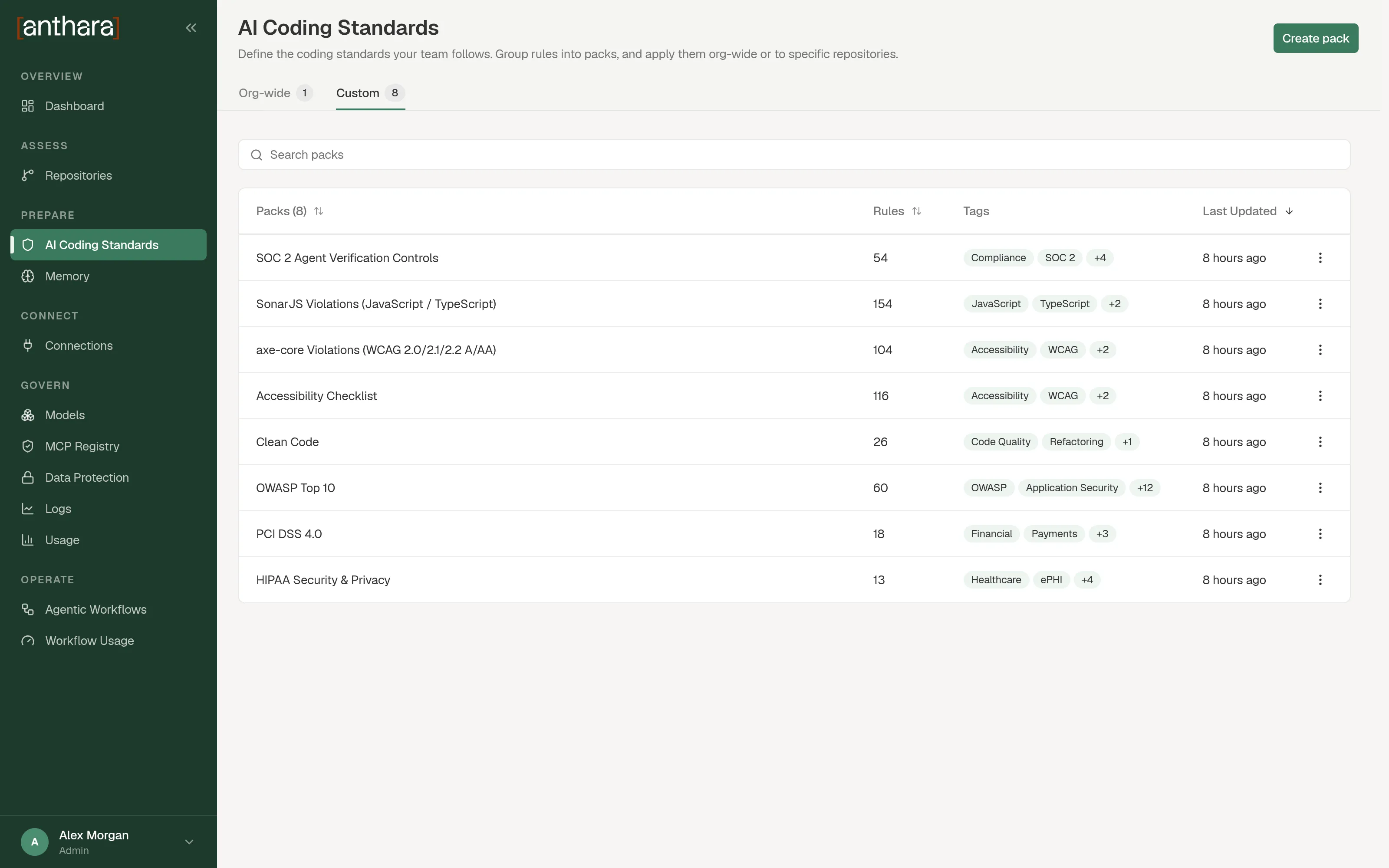
Section titled “Org-wide and Custom packs”Every pack is one of two kinds. The AI Coding Standards page has a tab for each.
| Kind | Which repositories get it |
|---|---|
| Org-wide | Every repository. You don’t apply it. Repositories inherit it. |
| Custom | Only the repositories you apply it to. |
Turn on Apply Org-wide when you create or edit a pack to make it org-wide. If you turn it off later, the pack is removed from every repository until you apply it again.
How standards reach a session
Section titled “How standards reach a session”Packs are not copied into your repositories. No file is generated or committed.
- You create or change a pack in the web app.
- Anthara sends the pack catalog, and the list of which repository has which pack, to Fabric.
- A developer’s AI session asks Fabric for the standards of the repository it is working in.
- Fabric answers with the org-wide rules and the rules from that repository’s custom packs.
A change to a pack therefore applies to the next request. Nobody has to pull or redeploy anything.
A session can only ask Fabric if the anthara plugin is active in the repository. See Activate Anthara on a repository.
How a session picks rules
Section titled “How a session picks rules”A session can ask for standards in two ways. Both are tools on the Fabric MCP server.
| Tool | What it returns |
|---|---|
get_standards |
Every rule that applies to the repository. |
get_relevant_standards |
The rules that best match one task. Fabric ranks them by the task description and by matching tags. |
See MCP tools for the full list.
Who can change packs
Section titled “Who can change packs”Any signed-in member can create, edit, and delete packs and rules. The API does not limit these actions to admins.