

Build your first workflow
An agentic workflow is a YAML file. This page creates the smallest workflow that runs: one AI step, started by hand, with no connections.
Before you begin
Section titled “Before you begin”- You can sign in to your organization’s Anthara web app.
- Your deployment can run workflow workers. If a run fails before its first step starts, ask the person who administers your deployment to check the worker cluster.
Write the YAML
Section titled “Write the YAML”Save the following as hello-anthara.yml:
name: Hello Antharaslug: hello-antharatrigger:  type: manualllm_config:  max_turns: 5  max_budget_usd: 1
steps:  - name: say-hello    type: ai_task    config:      prompt: |        Write one sentence that confirms this workflow ran.
Four fields are required at the top level:
| Field | Rule |
|---|---|
name |
The name shown in the workflow list. |
slug |
Lowercase letters and digits, joined by single hyphens. It must be unique across your workflows. |
trigger |
Must have a type. manual means a person starts each run. |
steps |
A list with at least one step. |
The llm_config block is optional. Here it caps the run at five agent turns and a budget of 1 US dollar. The example doesn’t set model, so the worker uses its default model.
Create the workflow
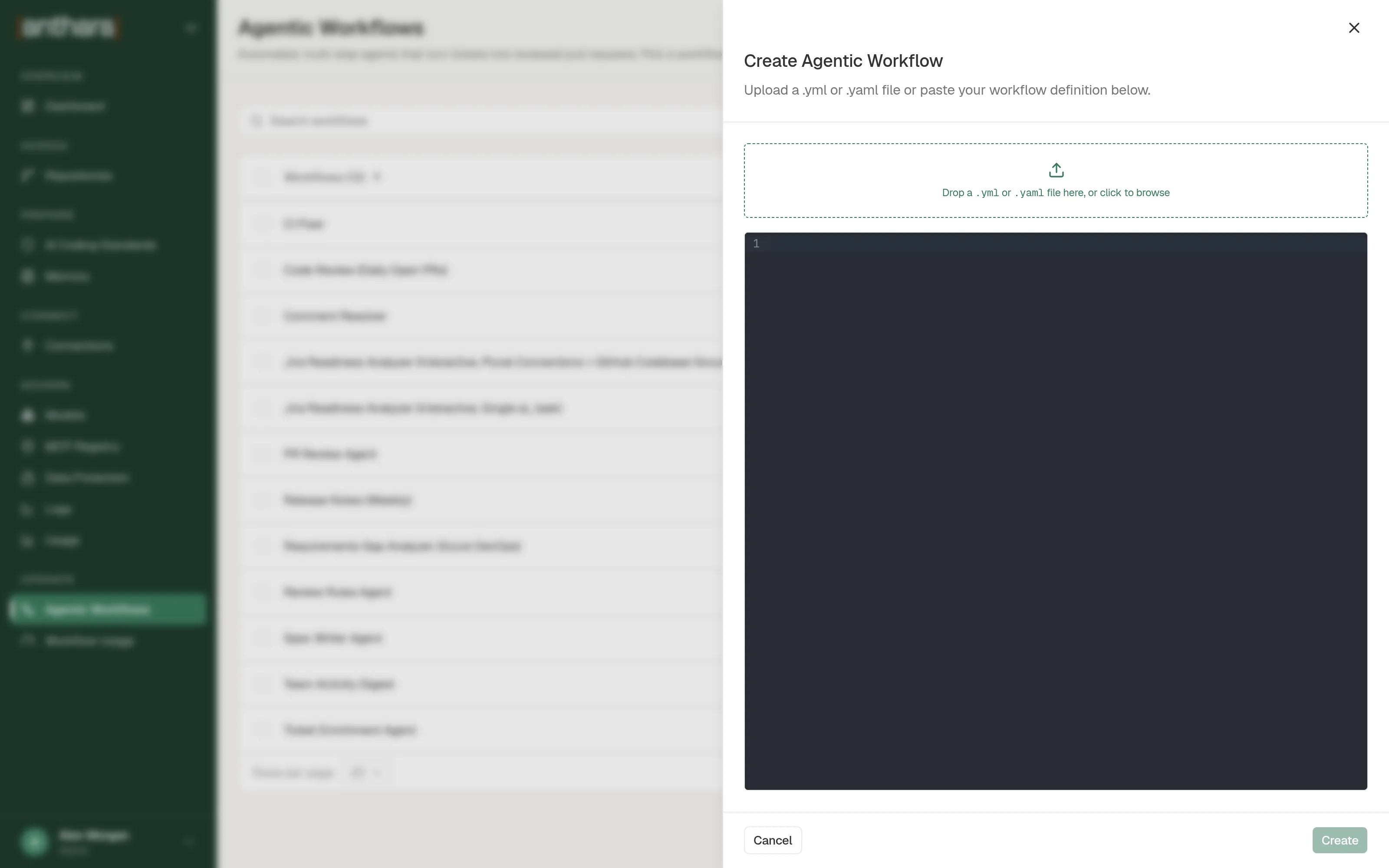
Section titled “Create the workflow”- Open Agentic Workflows and select Create Agentic Workflow.
- Drop
hello-anthara.ymlonto the dialog, or paste the YAML into the editor. - Select Create.
If the YAML is rejected, the dialog lists what to fix. For example, a missing slug is reported as Missing required field: slug.
Run it
Section titled “Run it”- In the workflow list, select Run on the Hello Anthara row. This workflow has no inputs, so the run starts straight away. A workflow that declares inputs opens a Run Workflow dialog first.
- Open the run. The Steps tab shows each step, its logs, and its output.
The run’s status is Running while the worker is active, and Completed when the step finishes. A run that could not finish shows Failed.
Next steps
Section titled “Next steps”- Let Claude Code draft a workflow for you. In a repository where the plugin is installed, type
/anthara:workflow-builderand answer its questions. It writes a YAML file that you can drop into the same dialog. - Read tickets or post to Microsoft Teams from a workflow. Both need a connection, which an admin sets up under Connections.