

Sign-in providers
People sign in to the Anthara web app with an existing GitHub, Google, or Microsoft account. Anthara has no passwords of its own. This page explains how sign-in works and what to do when it fails.
Sign in
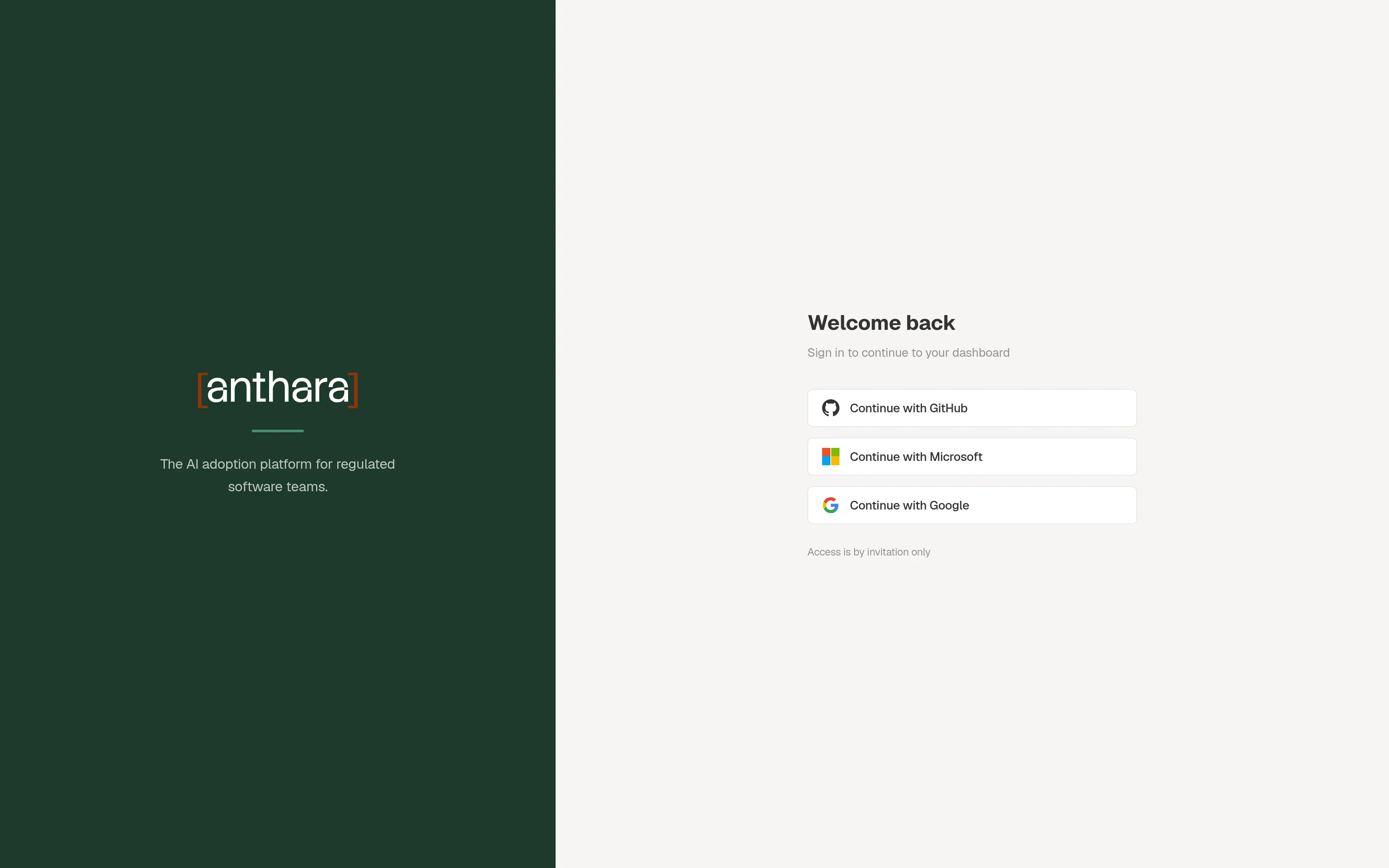
Section titled “Sign in”- Open your Anthara web app.
- Select Continue with GitHub, Continue with Microsoft, or Continue with Google.
- Approve the request on the provider’s page.
The provider sends you back to Anthara, signed in.
What Anthara asks each provider for
Section titled “What Anthara asks each provider for”| Provider | Access requested |
|---|---|
| GitHub | Your email addresses (user:email) |
Your email address and basic profile (email, profile) |
|
| Microsoft | Your basic profile (user.read) |
- Invitation only. Your email address must have been invited by an admin. See Members and invitations.
- One provider per account. The first provider you sign in with is linked to your account. After that, the other providers are refused for the same email address.
- Sessions last 24 hours. After that, you sign in again.
Sign-in errors
Section titled “Sign-in errors”| Message | Cause | Fix |
|---|---|---|
| “Your email address has not been invited. Contact your administrator for access.” | The provider reported an address that has no invitation. The error code is no_invitation. |
Ask an admin to invite the address that your provider reports. |
| “Your account is linked to a different sign-in provider. Please use the provider you originally signed up with.” | You signed in before with another provider. The error code is wrong_provider. |
Use the provider you used the first time. |
| “We couldn’t retrieve your email address. Please ensure your email is set to public in your provider settings.” | The provider returned no email address. The error code is no_email. |
Make your email address visible to the provider’s apps, then try again. |
Which providers are available
Section titled “Which providers are available”The sign-in page always shows all three buttons. A provider works only if its OAuth app was set up when Anthara was installed. If a button leads to an error page from the provider, that provider is not set up in your deployment.
Each provider’s OAuth app must allow this callback URL, where <provider> is github, google, or microsoft:
https://<your-domain>/api/auth/<provider>/callbackWhat is not supported
Section titled “What is not supported”- Passwords. There is no email and password sign-in.
- Your own SSO. You can’t connect a SAML or OIDC identity provider for signing in to the web app.
Signing in from Claude Code
Section titled “Signing in from Claude Code”The anthara plugin signs in to Fabric through the same account. Install the plugin and sign in shows the steps.